ChatGPT Prompts for Photo Editing: Best Prompts to Transform Your Photos

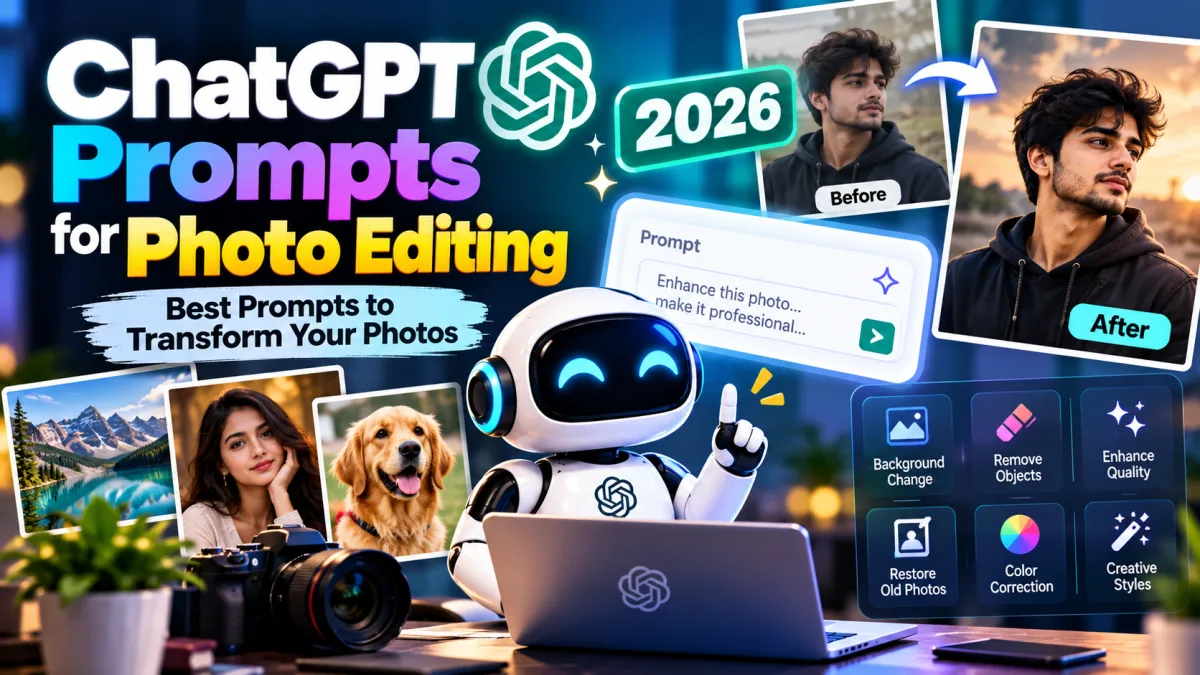
Photo editing has become easier with AI tools. You no longer need advanced editing skills to improve your pictures, change backgrounds, adjust lighting, or create professional-looking portraits. With the right ChatGPT prompts for photo editing, you can describe the changes you want and use those instructions with compatible AI image editing tools.
Whether you want to enhance a selfie, create a cinematic portrait, remove unwanted objects, change your background, or achieve a professional photoshoot look, a clear prompt can help you get closer to your desired result.
What Are ChatGPT Prompts for Photo Editing?
ChatGPT prompts for photo editing are text instructions that describe how you want an existing image to be changed. You can use ChatGPT to write detailed editing instructions and then submit those instructions alongside your photo to a compatible image editing tool.
For example, instead of simply asking for a better photo, you can write:
“Enhance this portrait with natural skin tones, balanced lighting, sharper details, and a softly blurred background. Preserve the person’s original facial features, expression, hairstyle, and identity. Avoid excessive skin smoothing or artificial colors.”
This prompt describes the changes clearly while explaining which details should remain unchanged.
Important: ChatGPT can help create editing prompts, and image editing capabilities depend on the tool you use. If your tool supports image uploads and editing, provide your original photo along with the prompt.
Best ChatGPT Prompts for Photo Editing
The following prompts cover popular photo editing styles, from natural enhancements to creative transformations.
- Professional Photo Editing Prompt
Use this prompt when you want your everyday photo to look clean, polished, and professional.
Copy and paste prompt:
“Edit the uploaded photo to achieve a professional, high-quality appearance. Improve exposure, contrast, white balance, sharpness, and color balance while preserving realistic textures. Keep the original subject, facial features, expression, hairstyle, clothing, and body proportions unchanged. Make the final image look natural, detailed, and professionally retouched without excessive filters.”
- AI Photo Editing Prompt for Instagram
If you want an attractive photo for Instagram or other social media platforms, this prompt can help you create a polished visual style.
Copy and paste prompt:
“Enhance this photo for Instagram with balanced colors, soft natural lighting, crisp details, and an aesthetically pleasing composition. Improve the overall visual quality while keeping the subject’s identity and original features unchanged. Use subtle color grading and realistic skin texture. Avoid oversaturation, artificial facial changes, and excessive retouching.”
- Cinematic Photo Editing Prompt
A cinematic effect can give your pictures a dramatic, movie-inspired appearance.
Copy and paste prompt:
“Transform this photo into a cinematic portrait with dramatic but realistic lighting, rich shadows, controlled highlights, and professional color grading. Add subtle depth and atmosphere while keeping the subject’s original facial features, pose, clothing, and identity intact. Maintain realistic skin texture and natural proportions. The final image should resemble a professionally photographed movie still.”
- Background Change Photo Editing Prompt
Changing the background is useful when you want a different setting without changing the main subject.
Copy and paste prompt:
“Replace the background of this photo with [describe your desired background]. Keep the main subject unchanged, including their face, expression, hairstyle, clothing, pose, and body proportions. Match the lighting direction, shadows, perspective, and color temperature between the subject and the new environment. Ensure clean edges around the subject and make the final image look realistic.”
You can replace the background description with a luxury hotel, modern office, natural landscape, city street, studio backdrop, or another suitable setting.
- Photo Editing Prompt for Men
This prompt is designed for natural portraits, stylish profile pictures, and social media photos.
Copy and paste prompt:
“Enhance this man’s portrait with professional lighting, balanced contrast, natural skin tones, and sharp details. Improve the clothing texture and overall image quality without changing his facial identity, hairstyle, beard, expression, or body proportions. Apply subtle cinematic color grading and a clean background treatment. Keep the result realistic, masculine, and professionally photographed.”
- Photo Editing Prompt for Women
Use this prompt for elegant portraits and natural beauty photography.
Copy and paste prompt:
“Professionally enhance this portrait with soft, flattering lighting, balanced colors, realistic skin texture, and refined details. Preserve the woman’s facial identity, natural features, expression, hairstyle, clothing, and body proportions. Apply subtle retouching without excessive smoothing, artificial makeup, or unrealistic changes. Create an elegant, natural, high-quality photographic result.”
- DSLR-Style Photo Editing Prompt
You can use this prompt to give a regular photo a professional camera appearance.
Copy and paste prompt:
“Enhance this image to resemble a professional DSLR photograph. Improve fine details, dynamic range, exposure, color accuracy, and subject separation. Create a naturally blurred background where appropriate, with realistic depth of field and smooth transitions. Preserve the original subject and scene. Avoid artificial sharpness, excessive bokeh, or unrealistic lighting effects.”
- Old Photo Restoration Prompt
Old photographs may have faded colors, scratches, blur, or other signs of damage.
Copy and paste prompt:
“Restore this old photograph by carefully removing scratches, dust, stains, fading, and visible damage. Improve clarity, contrast, and tonal balance while preserving the original faces, expressions, clothing, composition, and historical details. Keep the restoration faithful to the source image. Do not invent facial details or introduce objects that are not present in the original photograph.”
- Photo Editing Prompt for a Luxury Look
This prompt works well for fashion portraits, travel pictures, and elegant lifestyle photography.
Copy and paste prompt:
“Give this photograph a refined luxury editorial look. Use elegant color grading, controlled highlights, rich but natural tones, clean composition, and sophisticated lighting. Enhance clothing textures and environmental details while preserving the subject’s identity, original facial features, pose, and proportions. Keep the image realistic, understated, and premium rather than excessively glossy.”
- Photo Editing Prompt for a Nature Background
If you want your portrait to look as though it was taken outdoors, try this prompt.
Copy and paste prompt:
“Place the subject in a beautiful natural environment featuring [forest, mountains, garden, or lakeside]. Preserve the subject’s original face, expression, hairstyle, clothing, and pose. Match the environmental lighting, shadows, perspective, and color temperature. Add realistic background details and natural depth of field. Ensure the subject blends seamlessly into the scene without visible editing artifacts.”
- Photo Editing Prompt for a Black-and-White Portrait
Black-and-white editing can create a timeless and expressive photographic style.
Copy and paste prompt:
“Convert this portrait into a refined black-and-white photograph with rich tonal contrast, detailed shadows, controlled highlights, and natural skin texture. Preserve the subject’s original identity, expression, facial structure, clothing, and composition. Use subtle photographic grain only if appropriate. Create a timeless editorial appearance without excessive contrast or loss of important details.”
- Photo Editing Prompt for a Blurry Image
This prompt can help improve an image that looks slightly soft or lacks detail.
Copy and paste prompt:
“Improve the clarity of this image by reducing mild blur and noise, refining edges, and restoring visible details where possible. Preserve the original facial features, textures, colors, and composition. Avoid inventing fine details that cannot be supported by the source image. Keep the result natural and do not create halos, oversharpening, or artificial textures.”
Severely blurred photos may not contain enough information to restore the original details accurately.
How to Write Your Own ChatGPT Photo Editing Prompt
You do not have to memorize every prompt in this guide. You can create your own by describing the image and the result you want.
A useful photo editing prompt contains five elements:
- Editing goal: Explain whether you want to enhance, restore, retouch, or transform the photo.
- Visual style: Describe the desired look, such as cinematic, natural, editorial, or vintage.
- Lighting and colors: Specify soft light, warm tones, dramatic shadows, or neutral colors.
- Preservation instructions: Identify which facial features, objects, clothing, and composition must remain unchanged.
- Quality requirements: Request realistic textures, clean edges, and consistent lighting.
For example:
“Edit my uploaded portrait into a cinematic outdoor photograph with warm sunset lighting, natural skin tones, and a softly blurred background. Preserve my exact facial identity, hairstyle, expression, clothing, and pose. Match the shadows and perspective to the environment, and avoid artificial skin smoothing or changes to my facial structure.”
This structure gives the image editor a clearer direction than a vague instruction such as “Make my photo beautiful.”
Tips for Getting Better Results From AI Photo Editing
Even a detailed prompt may require adjustments. Follow these tips to improve your results.
- Upload a good-quality original: A clear source image gives the editor more information to work with.
- Describe the changes precisely: Explain the background, lighting, colors, and style you want.
- Protect important details: Explicitly state whether the face, clothing, hairstyle, and pose must remain unchanged.
- Make one major change at a time: If the result is not right, refine the prompt instead of changing everything at once.
- Check the final image: Look for distorted hands, unnatural skin, inconsistent shadows, and background artifacts.
- Respect privacy and consent: Be careful when uploading other people’s photographs to online AI services.
Also, remember that instructions such as “8K quality” or “ultra-realistic” do not automatically restore missing details or guarantee a higher-resolution output. Actual results depend on the image editor and the source photograph.
Can ChatGPT Edit Photos Directly?
ChatGPT’s available image features can vary by model, plan, and interface. In a version that supports image editing, you may be able to upload a photo and describe the changes you want directly.
For other workflows, you can ask ChatGPT to create a detailed prompt and paste it into a compatible AI image editor.
For example, you can upload a portrait and request a professional headshot, a new background, or improved lighting. If the available tool supports the requested transformation, it can attempt the edit while following your instructions.
For important images, always review the result before using it publicly or professionally.
Final Thoughts
ChatGPT prompts for photo editing can help you describe your creative ideas more clearly and make AI-assisted editing easier. You can use them to improve portraits, change backgrounds, restore old photographs, create cinematic effects, or develop a consistent social media style.
The key is to explain both what you want to change and what you want to preserve. Start with one of the prompts above, customize it for your photograph, and refine the instructions based on the result.
You do not need complicated technical language to get started. Clear instructions, a suitable original photo, and careful review are the foundations of better AI photo editing.