IMAGE ROLES
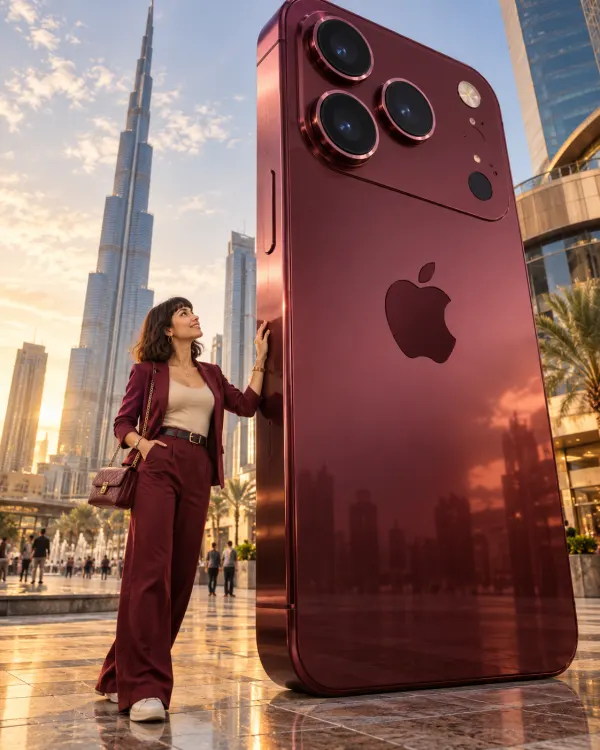
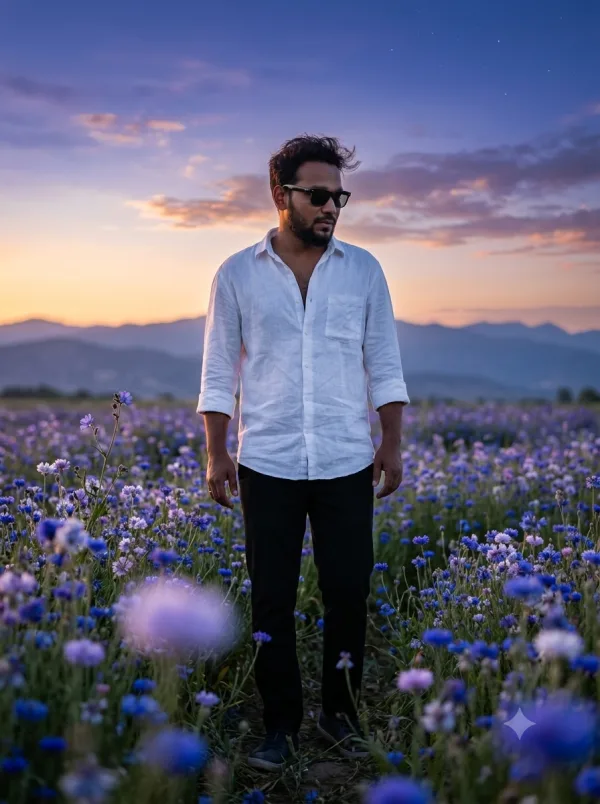
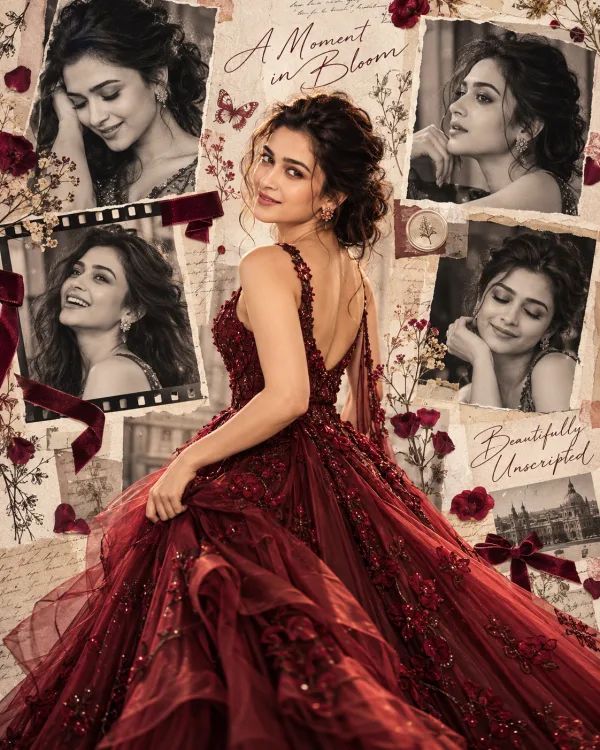
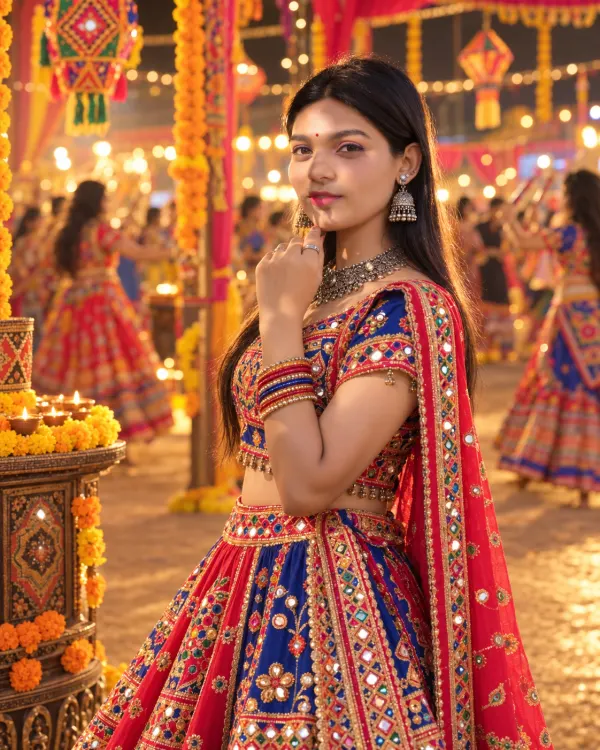
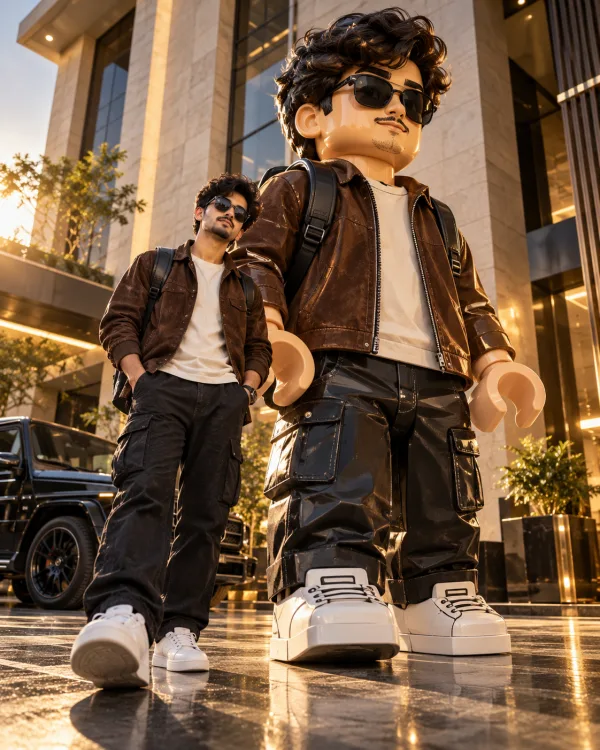
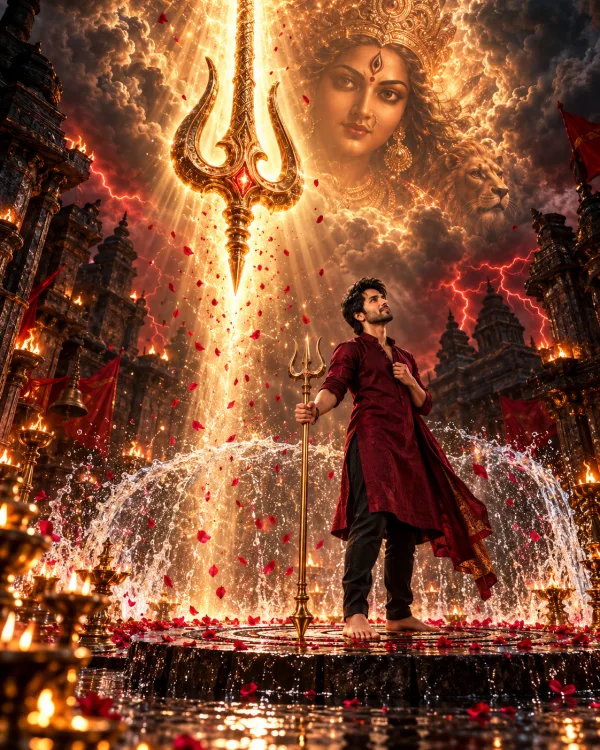
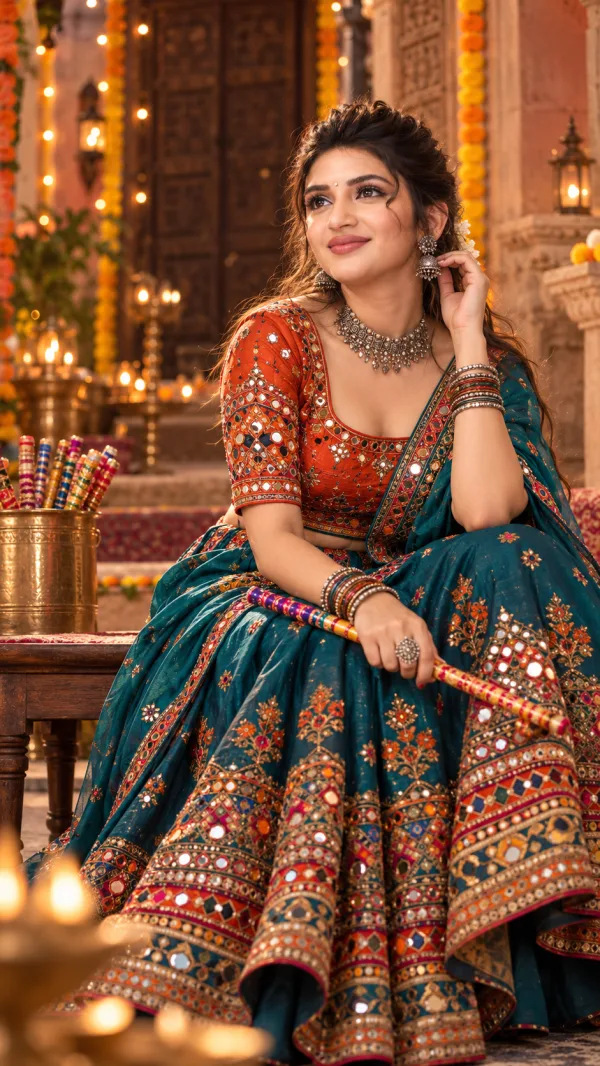
* Image 1: The sole master reference for composition, framing, background, lighting, colour grading, atmosphere, and visual style.
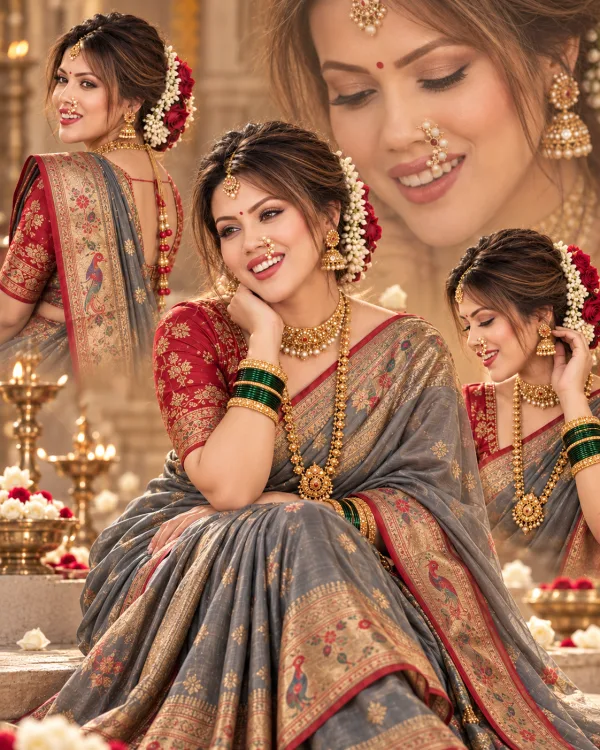
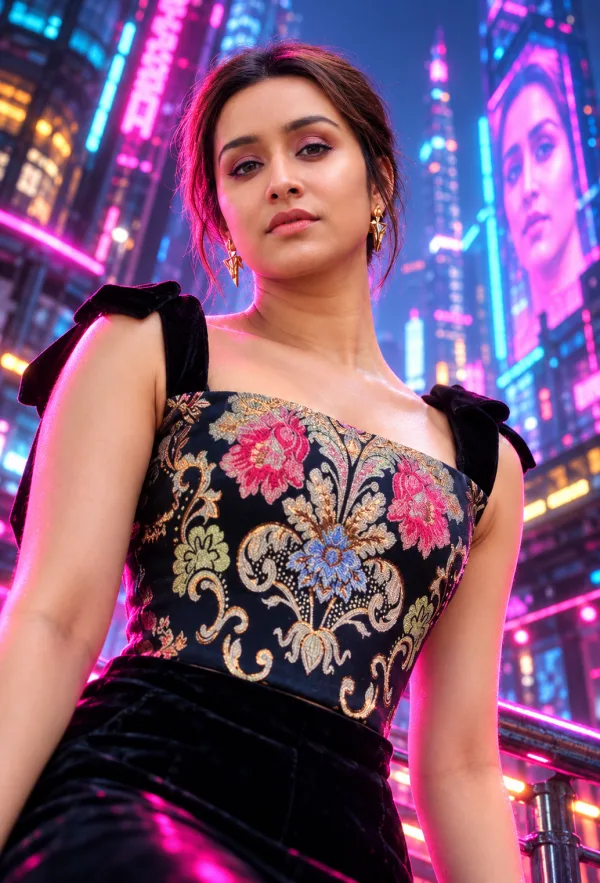
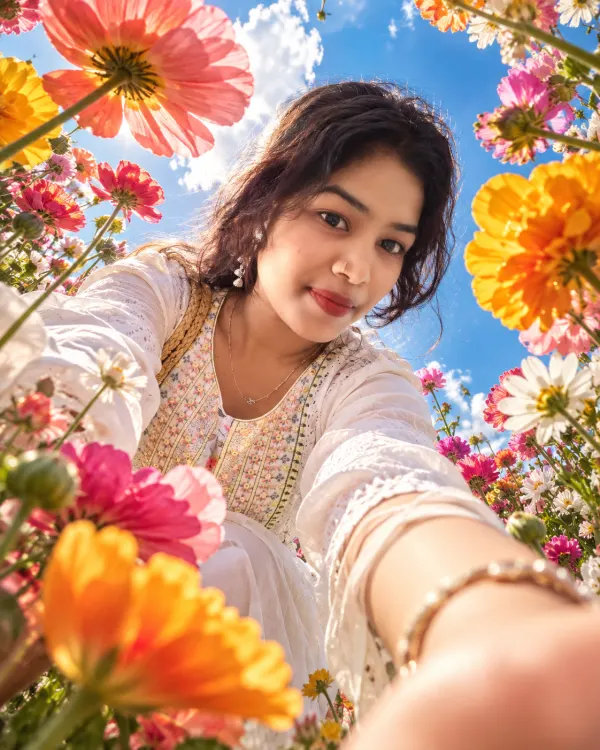
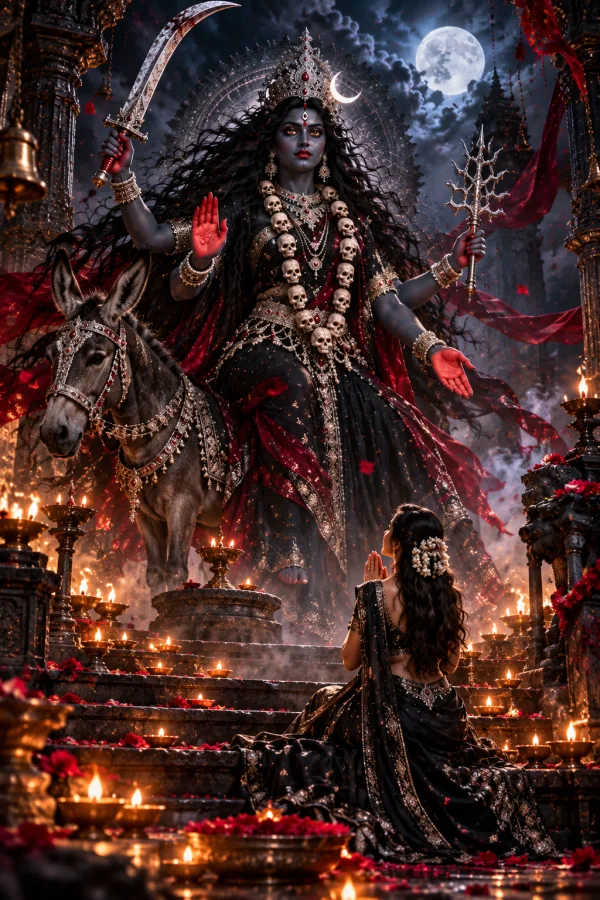
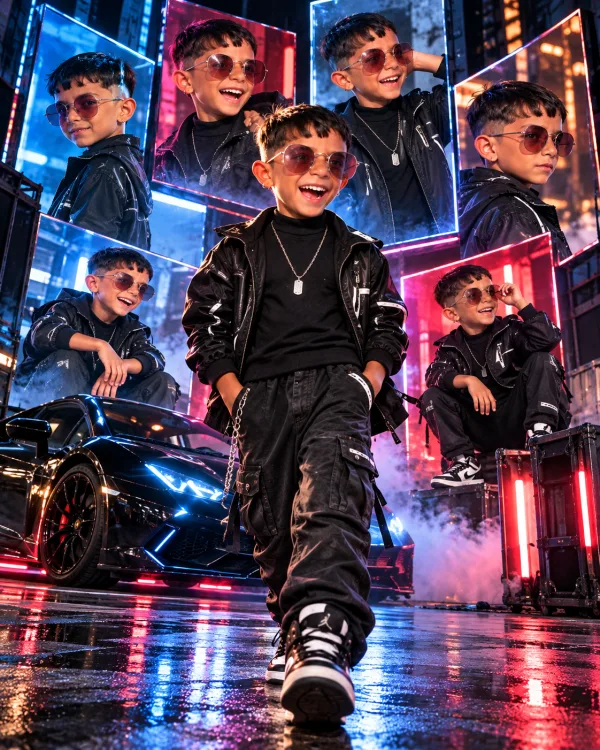
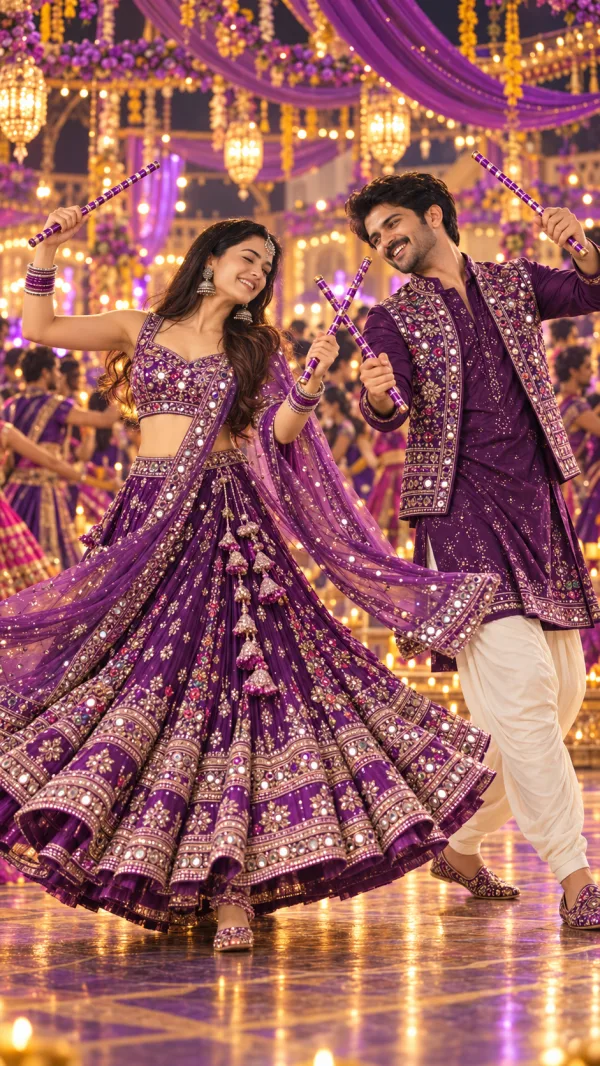
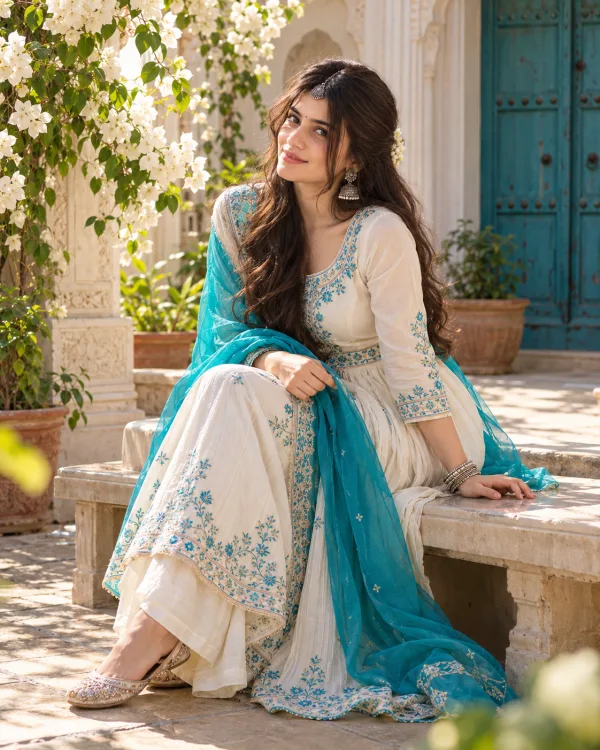
* Image 2: The sole reference for the person who must be placed into Image 1.
1. COMPOSITION AND FRAMING
Recreate Image 1’s visual structure as accurately as possible. Preserve the original subject’s position, size, proportions within the frame, camera angle, perspective, depth, and crop. Place the person from Image 2 in the corresponding position and at the same relative scale. Never enlarge the inserted person unnecessarily or change the original composition to accommodate them.
If Image 1 uses a half-body portrait, retain half-body framing. If it uses a full-body portrait, show the complete body naturally, reconstructing missing portions only when necessary and anatomically plausible.
2. IDENTITY PRESERVATION
Use Image 2 as the exclusive identity reference. Preserve the person’s real facial features, face shape, skin tone, hairstyle, hairline, and recognizable appearance. Do not beautify, redesign, replace, or reinterpret the face.
Retain Image 2’s original clothing design, patterns, colours, accessories, and distinctive details. Do not substitute a different outfit or introduce stylistic elements from unrelated references.
3. BACKGROUND AND ENVIRONMENT
Keep Image 1’s original background and environment unchanged. Remove Image 2’s previous background completely, including unwanted objects, shadows, and background fragments.
Create clean, natural edges around the hair, ears, shoulders, clothing, and accessories. Avoid visible cutout borders, white halos, colour fringing, or leftover pixels. Integrate the person seamlessly into the master scene.
4. LIGHTING AND COLOUR MATCHING
Apply Image 1’s lighting direction, intensity, shadow softness, contrast, colour temperature, highlights, and cinematic colour grading to the inserted person. Preserve natural skin tones while adapting the surrounding illumination to match the master image.
Reproduce the same visual atmosphere, tonal range, colour treatment, and high-definition finish. Do not import colour palettes, lighting styles, or effects from previous images or unrelated references.
5. REALISTIC INTEGRATION
Match the person’s perspective, apparent distance, depth of field, ground contact, and shadow placement to Image 1. Add physically consistent contact shadows and environmental reflections wherever appropriate.
Preserve the original pose whenever compatible with the master composition. Avoid forced body repositioning, distorted anatomy, unnatural proportions, or floating appearances. The finished image must look like a genuine photograph captured in Image 1’s environment.
6. TEXT AND GRAPHIC PRESERVATION
Preserve every existing word, logo, label, graphic, and visible interface element in Image 1 exactly as shown, including its placement, spelling, size, and appearance. Do not erase, replace, regenerate, or omit existing text.
If Image 1 contains no text, do not add any new text, logos, labels, or graphic elements.
7. FINAL QUALITY CONTROL
Before finalizing, verify that:
* Image 1’s composition, framing, background, and environment remain unchanged.
* Image 2’s facial identity and original clothing details remain recognizable and faithful.
* The inserted person’s scale, position, perspective, lighting, and shadows match Image 1.
* Background removal is clean, with no halos, cutout artifacts, or leftover fragments.
* All existing text and graphics are preserved exactly.
* The final result looks photorealistic rather than composited or artificially generated.
NEGATIVE PROMPT
Altered identity, different face, changed hairstyle, redesigned clothing, incorrect subject scale, unnecessary enlargement, changed background, mismatched lighting, inconsistent colour grading, floating subject, incorrect perspective, distorted anatomy, extra fingers, cutout edges, hair halos, leftover background fragments, artificial shadows, plastic skin, excessive smoothing, altered text, missing logos, added text, watermarks.
OUTPUT REQUIREMENTS
One photorealistic, DSLR-quality image with realistic high-resolution detail, exact 4:5 aspect ratio, faithful master-template composition, seamless subject integration, and no unintended changes to Image 1’s environment.
Priority rule: Image 1 controls the scene and composition. Image 2 controls the person’s identity and original clothing. Never confuse or reverse these roles.