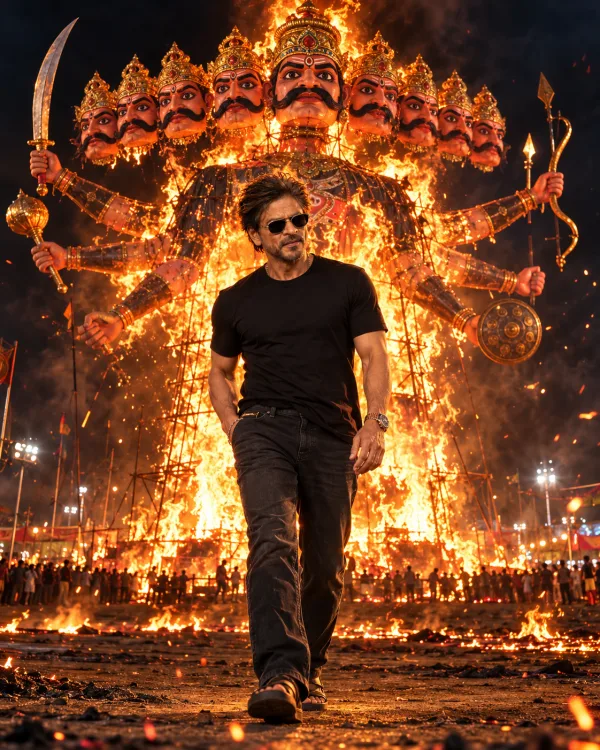
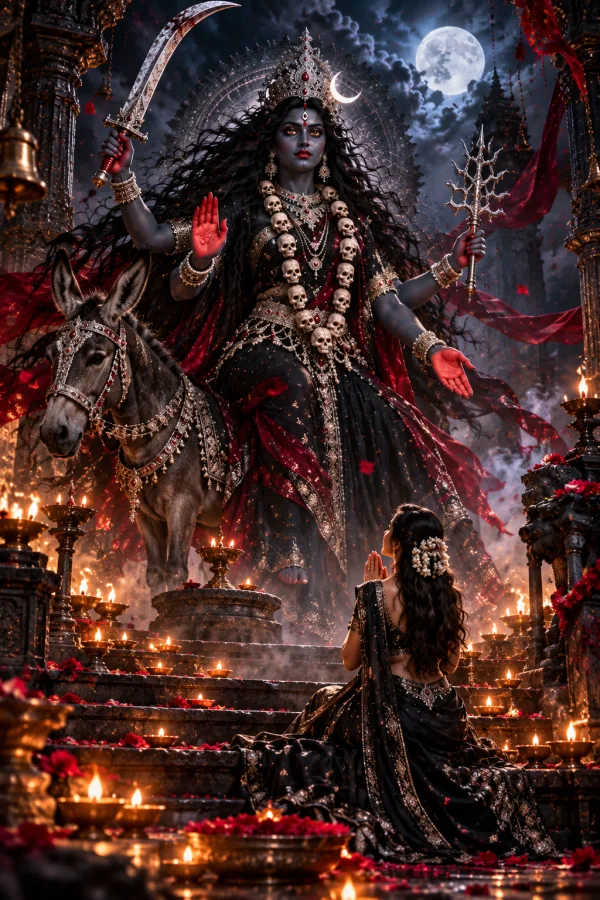
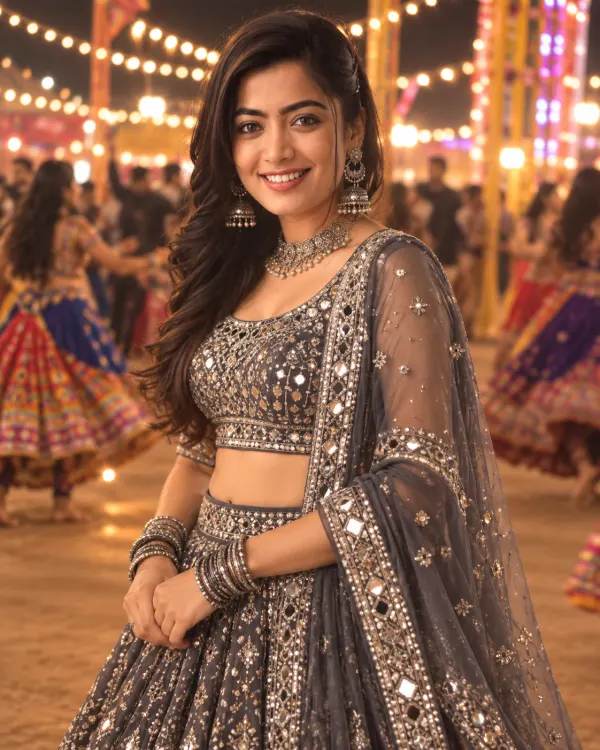
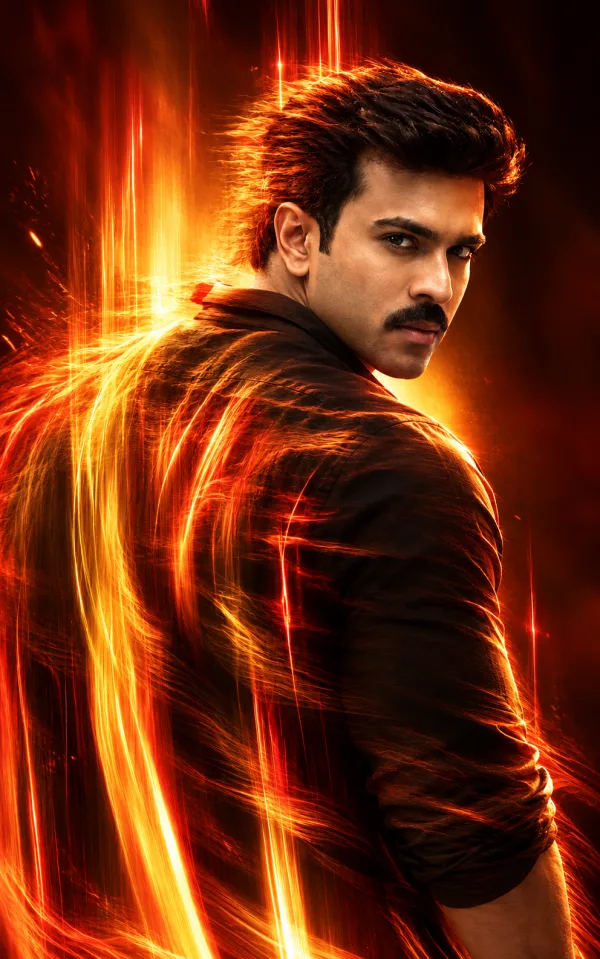
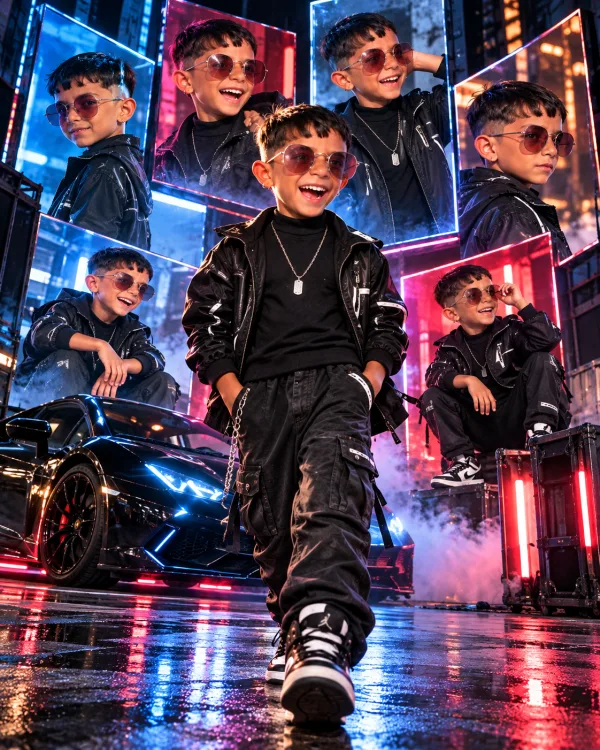
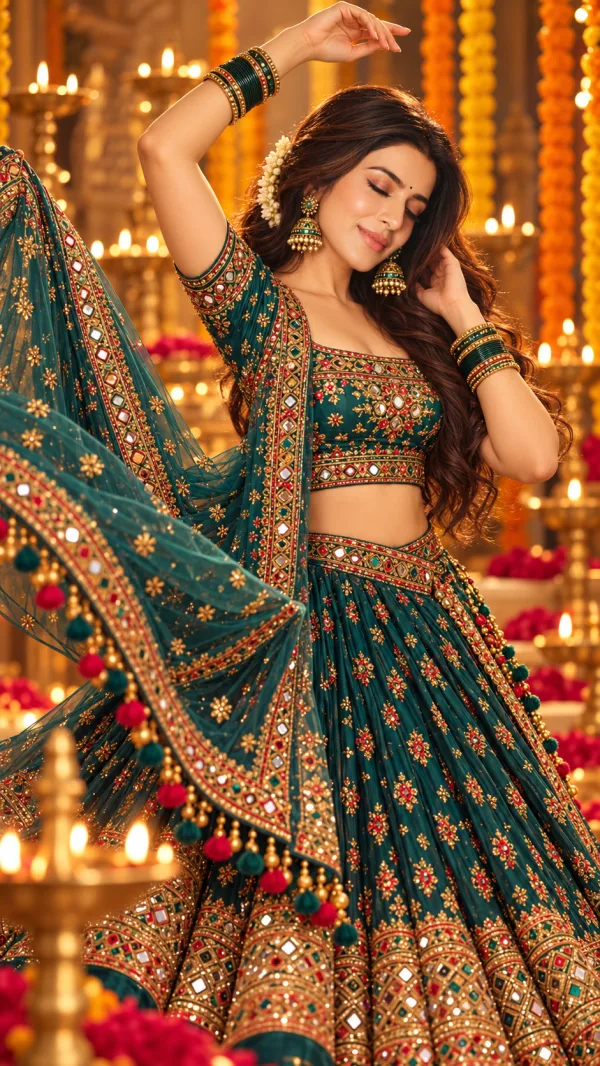
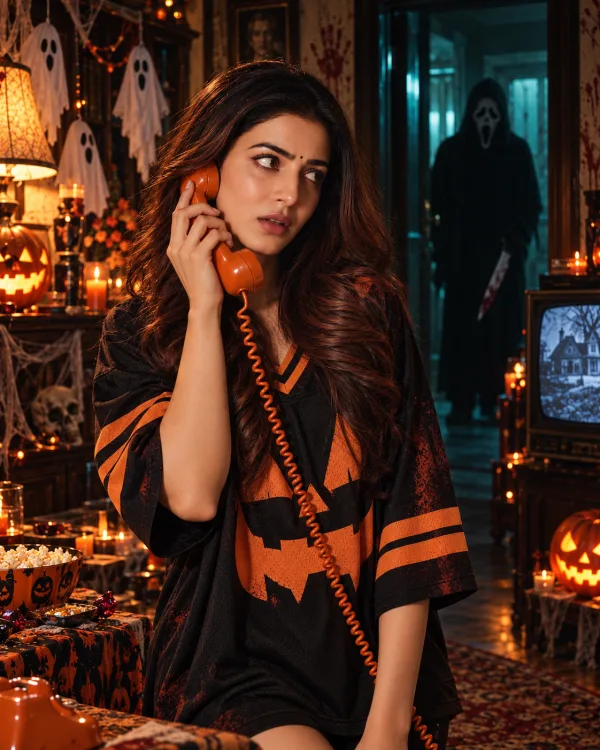
Premium 3D Photo Frame Illusion AI Editing Prompt on Cream Background
Create an ultra-realistic, polished 4:5 vertical editorial photograph using the uploaded image as the subject reference.
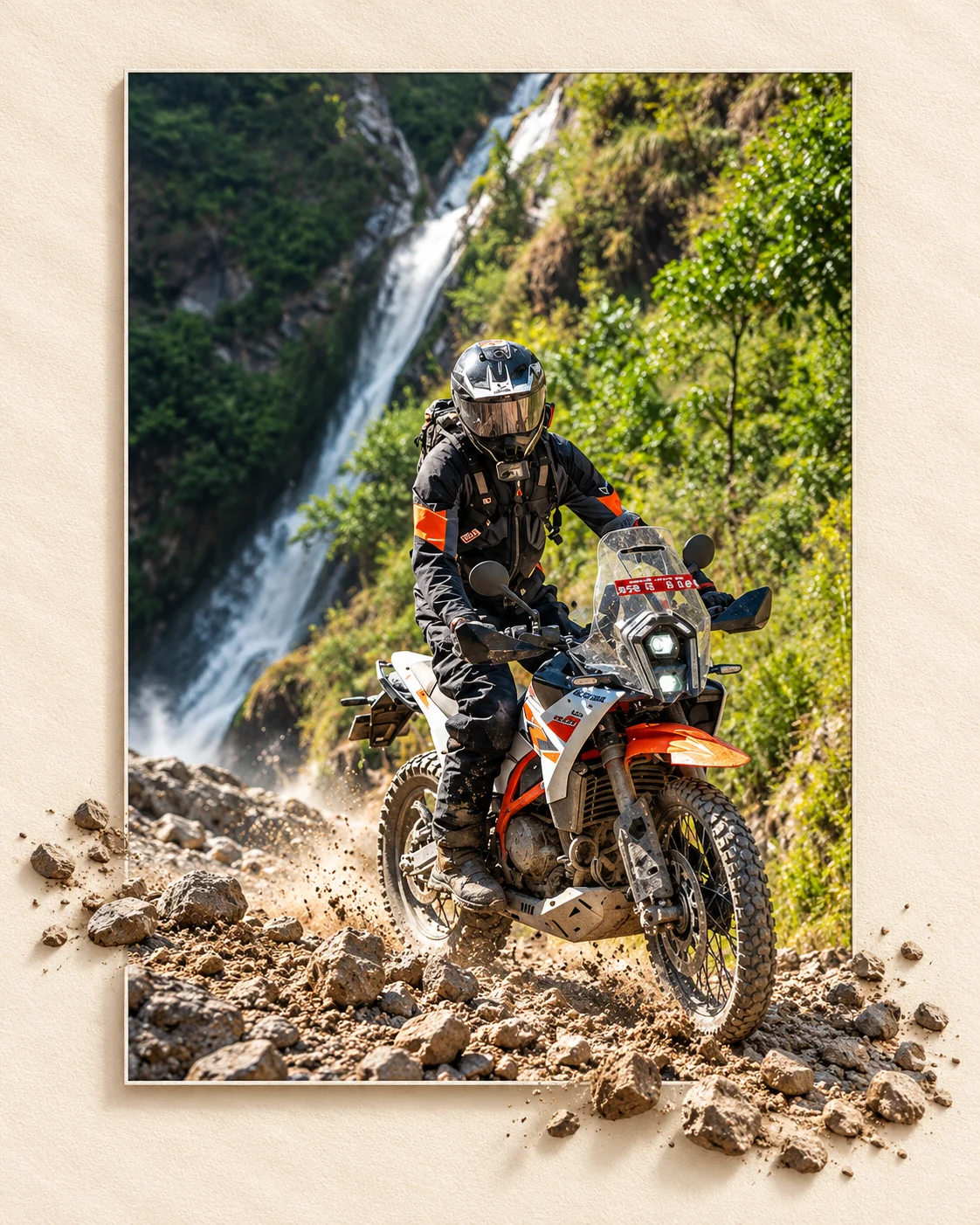
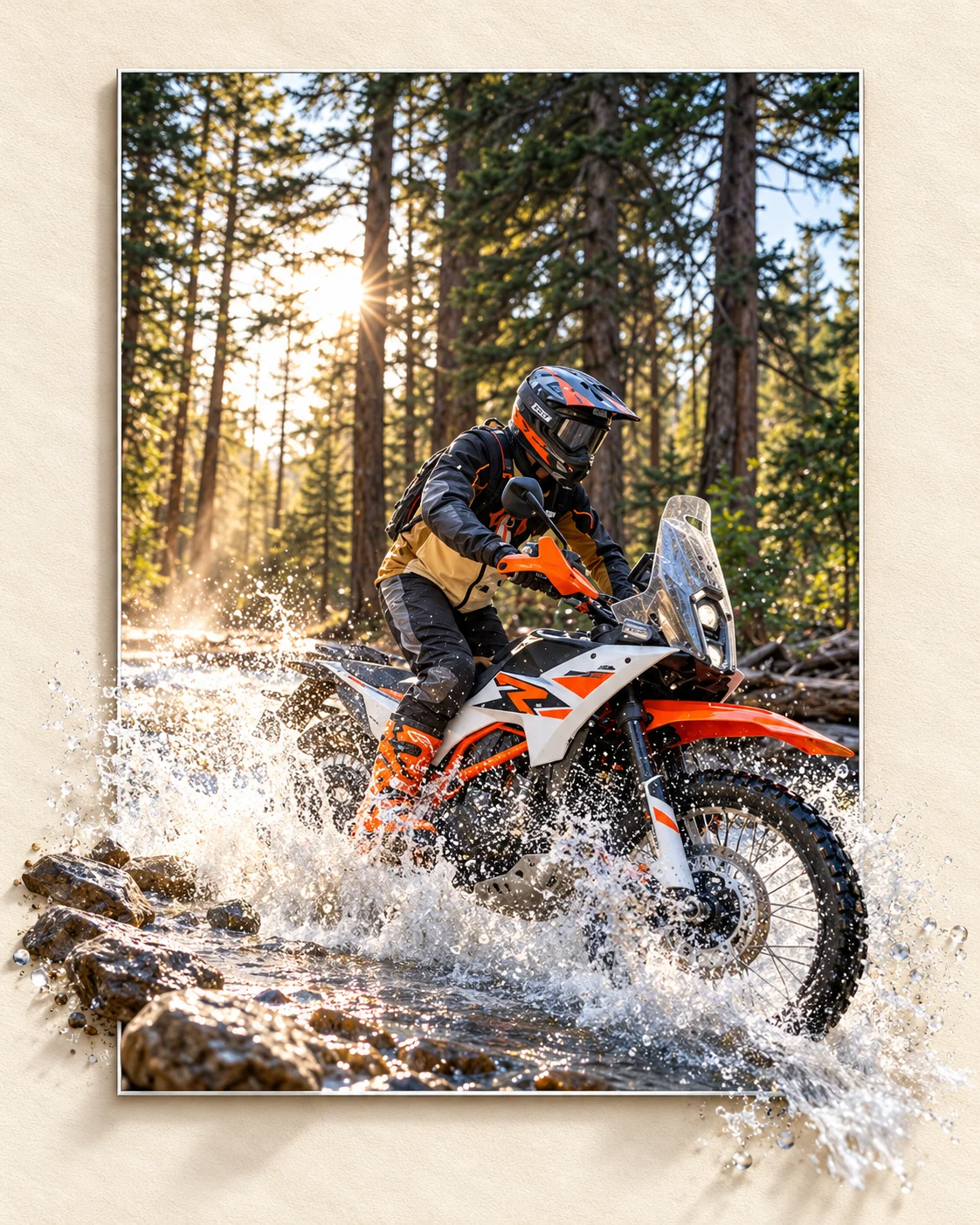
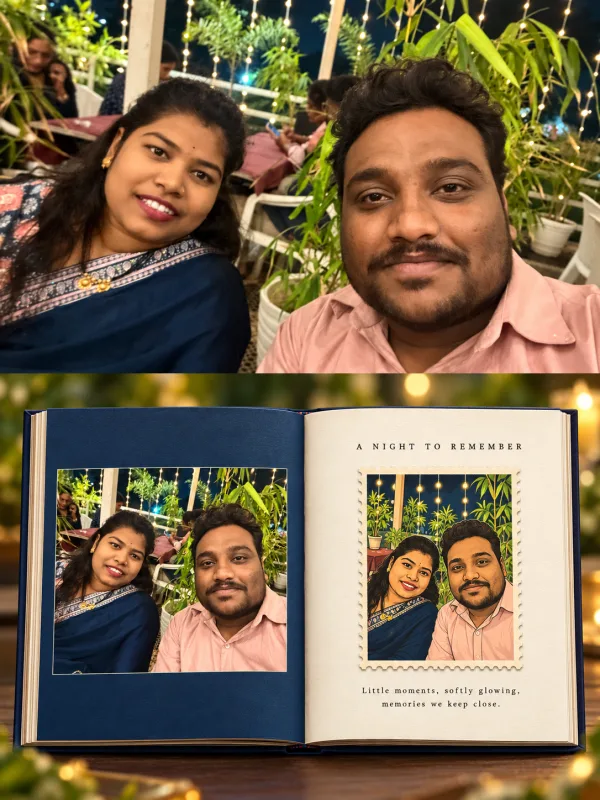
**Core Composition:** Place a clean, vertical rectangular photograph in the center of a warm ivory, lightly textured paper canvas. Leave generous cream-colored negative space around the photograph. The inner image should look like a real printed photograph placed on a physical surface, with crisp rectangular edges and subtle natural shadows.
**Signature 3D Illusion:** Make the main subject or selected elements emerge beyond the rectangular photograph's boundaries into the surrounding cream canvas. The effect must look like a real three-dimensional scene extending out of a flat photograph, with convincing depth, overlapping layers, natural perspective, and delicate cast shadows. Elements crossing the border must remain visually connected to the scene inside the photograph.
**Subject Adaptation:** Preserve the actual subject of the uploaded reference, whether it is a person, motorcycle, bird, animal, object, or another subject. Choose the most visually appropriate parts to extend beyond the frame. For example, a motorcycle's front wheel and road surface may project outward; a bird's branch and foliage may cross the edges; a person's hand, clothing, or surrounding object may extend into the outer canvas. Do not automatically add leaves, plants, or nature elements unless they belong naturally to the subject.
**Inner Photograph:** Keep the main scene realistic and visually complete, with natural lighting, authentic textures, accurate proportions, and professional photographic depth of field. The subject should remain the clear focal point. Maintain the original subject's identity and defining details when a person is present.
**Outer Canvas:** Use a soft warm-cream or pale parchment background with subtle fine-grain paper texture. Keep it minimal and elegant, without decorative frames, extra illustrations, captions, or unnecessary graphic elements.
**Lighting and Depth:** Apply soft, directional natural light. Add precise contact shadows beneath the rectangular photograph and the elements protruding from it. Match shadow direction, brightness, and colour temperature between the inner scene and outer canvas. Use realistic occlusion and subtle ambient shadows to create the illusion that the subject physically occupies the space outside the photograph.
**Composition Quality:** Maintain a balanced central layout with asymmetrical out-of-frame elements for visual interest. Keep the rectangular image clearly recognizable while allowing selected elements to cross its borders naturally. Avoid excessive protrusion that hides the main subject or makes the composition messy.
**Finish:** High-resolution photorealism, refined editorial art direction, clean edges, lifelike textures, sophisticated colour grading, realistic depth, and a premium gallery-print appearance.
**Negative prompt:** Nature-only composition, automatically added plants, flat collage, pasted-on stickers, disconnected objects, floating elements, unrealistic shadows, warped rectangular frame, distorted subject, excessive 3D extrusion, cluttered layout, text, logos, watermark.
**Output:** One highly polished 4:5 vertical image featuring the uploaded subject inside a central rectangular photograph, with a convincing three-dimensional out-of-frame illusion on a warm cream paper background.
**Editable subject:** `[KEEP THE UPLOADED SUBJECT OR ENTER A DIFFERENT SUBJECT]`